A two-minute look at setting up a session.
This is the actual app. No staged demo, just the flow you'll use the first time you open FocusShield.
The same flow, step by step
-
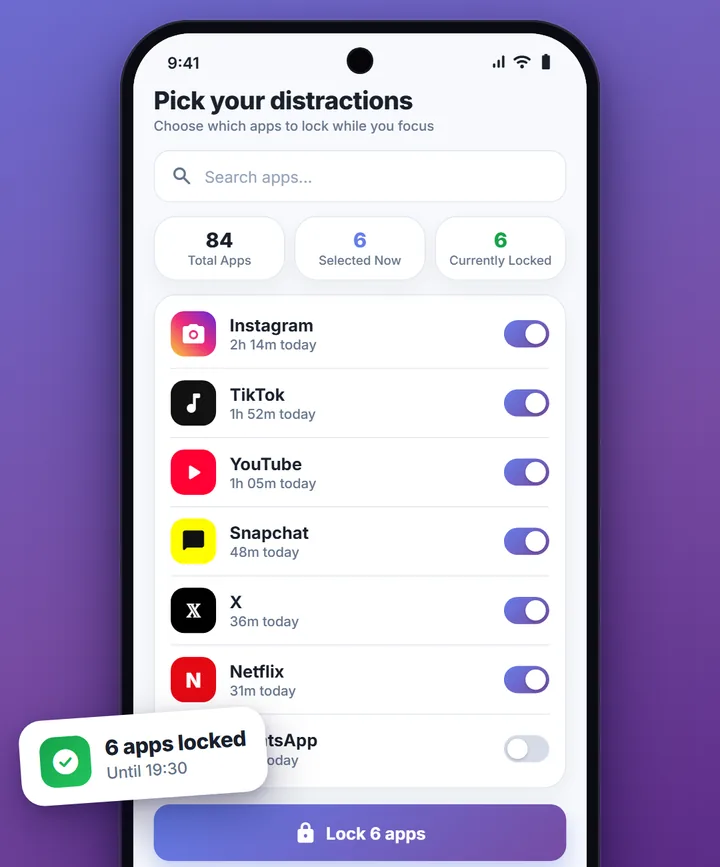
Pick
Search your installed apps and switch on the ones to lock.
-
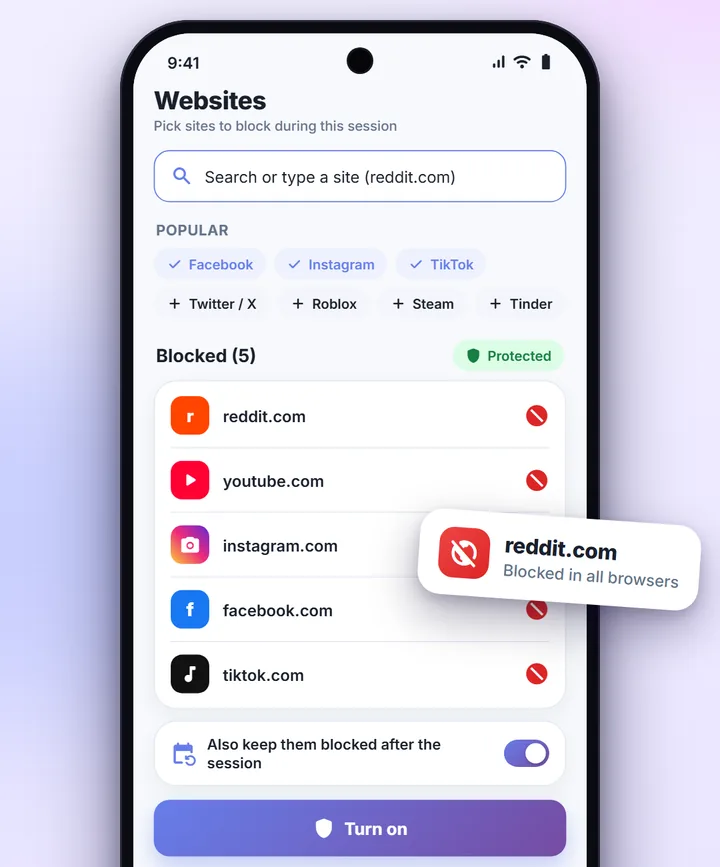
Add sites
Type a site or tap a popular one. It's blocked in every browser.
-
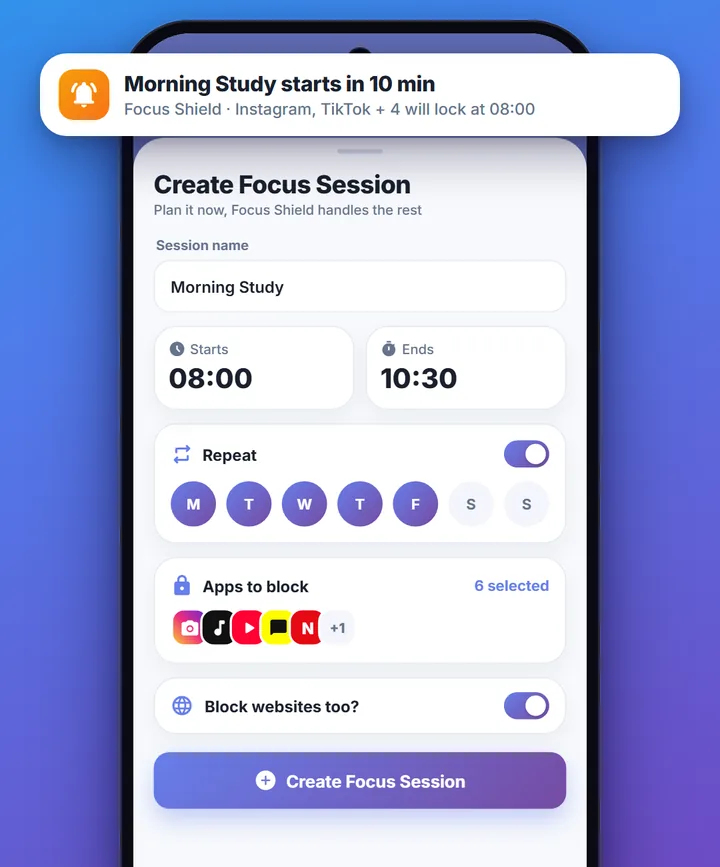
Schedule
Name the session, set the times and choose the days it repeats.
-
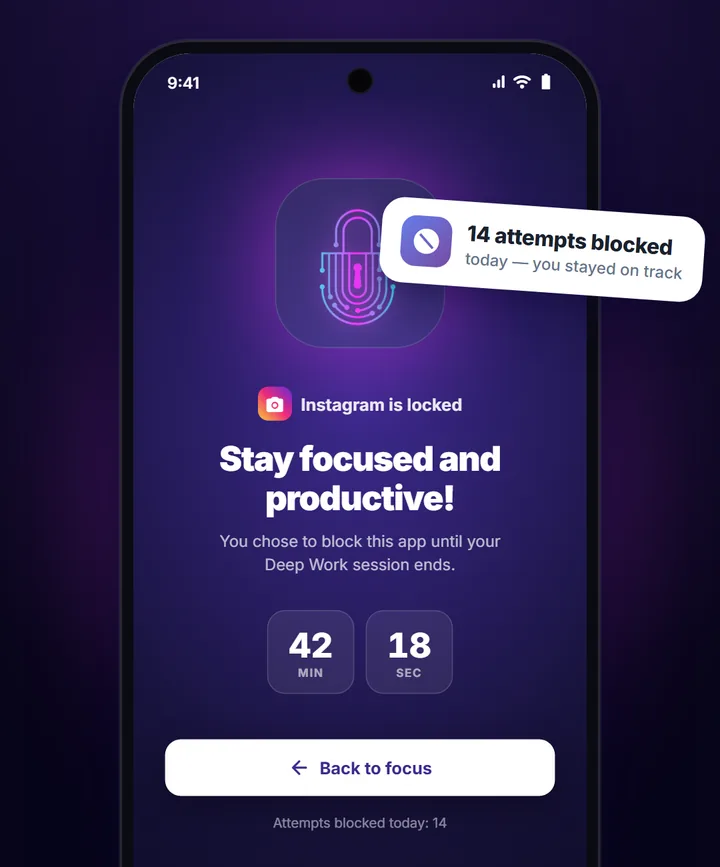
Stay locked
Reach for a locked app and you get a countdown instead.
-
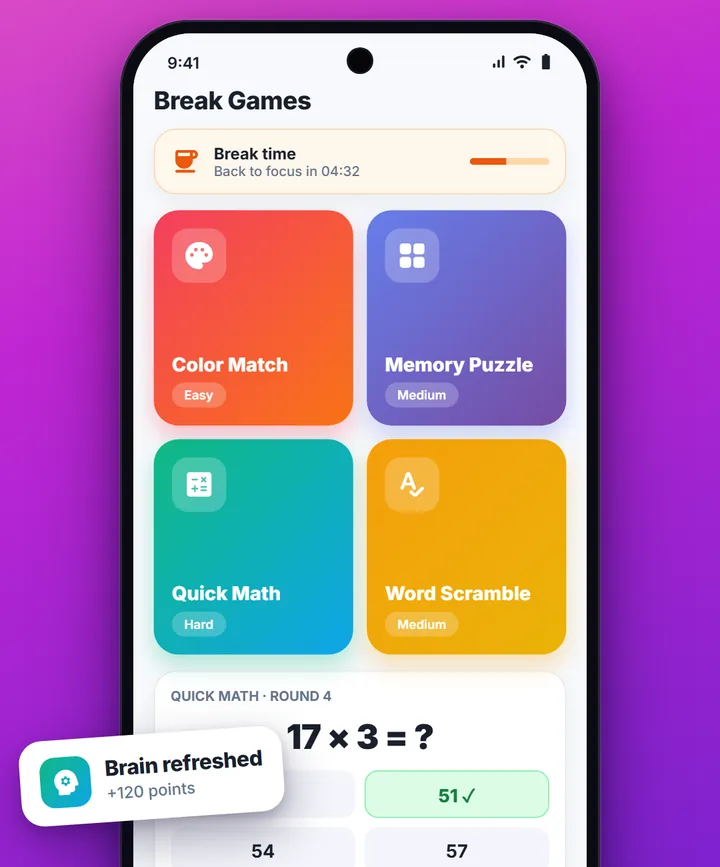
Take a break
When the break comes, a quick game, then back to focus.
Ready to run your first session?
It takes less time to set up than it took to watch the video.
Get FocusShield